STC Router Login

STC Router Login. If you are using an STC router, knowing how to access the login page is essential. The STC router login allows you to change your WiFi password, setup a guest network, update SSID, and configure other default settings. In this guide, we will cover 192.168.1.1 STC router login, Huawei STC routers, default passwords, and step-by-step instructions to change your WiFi settings safely.
Read Also: LPB PISO WIFI
STC Router Web Interface
The STC web interface is a user-friendly platform to manage your network. Once you log in, you can:
- Change WiFi password and SSID
- Configure 2.4 GHz and 5 GHz networks
- Setup guest networks
- Update security and admin passwords
- Monitor connected devices
Having access to your router settings helps improve security and control over your internet connection.
STC Router Login IP Address
STC routers use different IP addresses depending on the model:
- 192.168.1.1 – Common for most STC routers
- 192.168.100.1 – Common for Huawei STC routers
- 192.168.8.1 – Mobile routers like E5577 MyFi
You need to enter the correct IP in your browser’s address bar to access the login page.
How to Login to STC Router
Follow these simple steps to log in:
For Standard STC Routers (D-Link, VDSL, Alcatel)
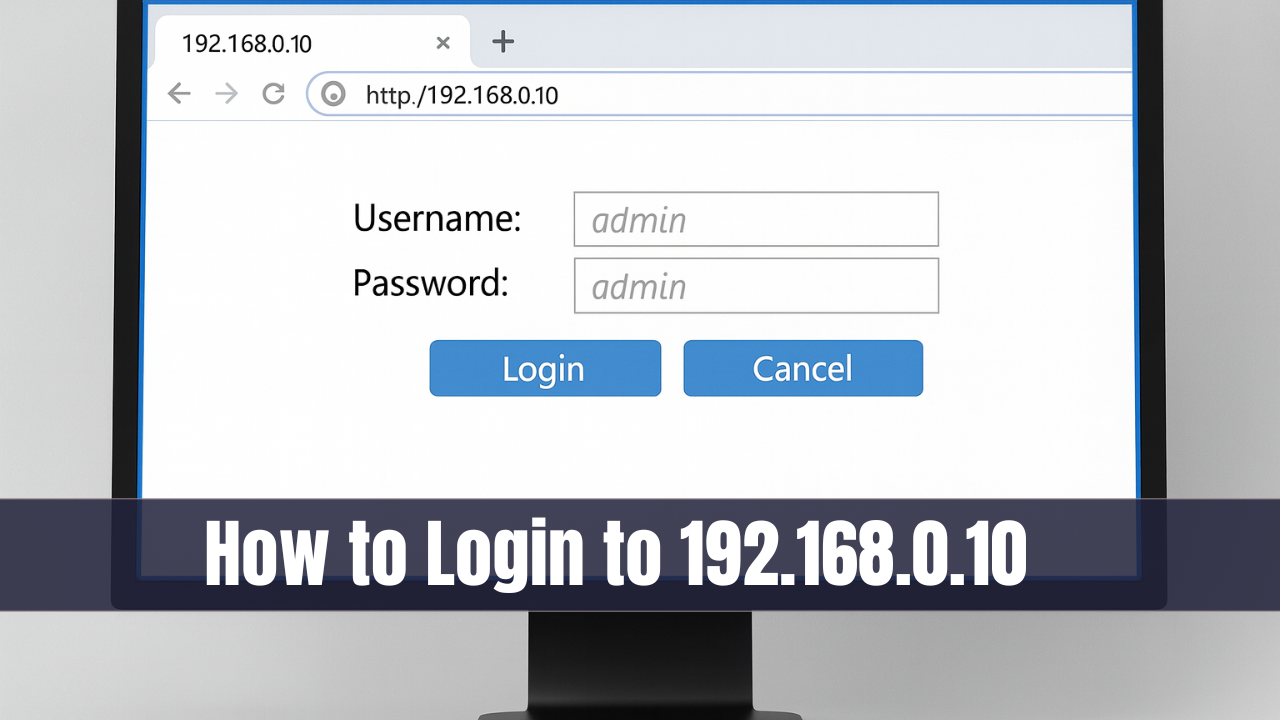
- Open your browser and type 192.168.1.1 in the address bar.
- Enter Username and Password (or check the label on the back of your modem).
- Click Log In.
For Huawei STC Routers
- Open your browser and type 192.168.100.1 in the address bar.
- Enter Username and Password.
- Click Log In.
Once logged in, you will see the STC router dashboard.
STC Modem Username and Password Table
| Modem Number | IP Address | Username | Password |
|---|---|---|---|
| Dlink DSL-G2452GE | 192.168.1.1 | admin | Check label |
| DZS-ZNID 2428 B1 | 192.168.100.1 | admin | Check label |
| HG658b (VDSL 102) | 192.168.1.1 | admin | admin |
| HG8245Q (Huawei ONT) | 192.168.100.1 | telecomadmin | admintelecom |
| HG658v2 (VDSL 102 V2) | 192.168.1.1 | admin | admin |
| HG658v2 | 192.168.100.1 | telecomadmin | admintelecom |
| E5577 MBB MyFi | 192.168.8.1 | admin | admin |
| Alcatel-Lucent G-240W-B | 192.168.1.1 | admin | admin |
| I-240W-A ONT (2.4GHz) | 192.168.1.1 | admin | admin |
| HG8245T Modem | 192.168.100.1 | telecomadmin | admintelecom |
Note: Always check your modem label for the default credentials, as it may vary slightly.
How to Change STC WiFi Password and SSID
Changing your WiFi password and network name is crucial for security. Follow these steps:
- Open your browser and go to 192.168.1.1 (or 192.168.100.1 for Huawei).
- Enter your Username and Password printed on the back of your modem.
- Navigate to Network > Wireless (2.4 GHz / 5 GHz).
- In the SSID Name field, type your new WiFi name.
- In the WPA Key / WPA pre-shared Key field, enter your new password.
- Click Save to apply changes.
How To Change STC Router Login Password
It is also recommended to change the router admin password to prevent unauthorized access:
- Log in to the router web interface.
- Go to System Tools > Password (may vary by model).
- Enter Old Password, New Password, and Confirm Password.
- Click Save.
Huawei STC Router Login Tips
- Huawei routers use 192.168.100.1 IP address.
- Default username is telecomadmin, password admintelecom.
- You can also update WiFi name, password, and guest networks.
- For advanced settings, navigate to LAN, DHCP, and Firewall sections.
Troubleshooting STC Router Login
- Make sure your device is connected to the STC router via WiFi or Ethernet.
- Clear browser cache or try a different browser.
- Check the IP address of your router using
ipconfig(Windows) orifconfig(Mac/Linux). - If you forgot the password, perform a factory reset by holding the reset button for 10–15 seconds.
Conclusion
The STC router login process is simple and allows full control of your network. Whether you are using 192.168.1.1, Huawei STC, or another model, you can change WiFi passwords, SSID, guest network, and admin credentials with ease. Always use strong passwords and keep your router firmware updated for the best security. By following this guide, you can easily manage your STC router and maintain a fast and secure home network.